Garmin Connect holds years of your sleep, training load, Body Battery, and workouts, and none of it reaches the AI assistant you talk to every day. The Model Context Protocol (MCP) is the open standard that connects the two, and at least ten projects now do it for Garmin. They differ a lot in how much work they take.
This list ranks them by effort, from least to most: what you install, what you configure, and what you have to keep running. freddy is ours, and it is first because it is the least work: nothing to install, no config file, no password shared, and one account for Garmin and your other apps. Each entry says who it suits.
Two things to know first
Garmin has two ways in, and every tool below uses one of them. The choice decides how much history you get, whether you type your password into the tool, and how likely the tool is to break.
The official way is the Garmin Connect Developer Program. You approve access on Garmin's own screen, and the tool never sees your password. Garmin also added a personal key for individuals, covered in the next section. A new connection reaches back 31 days, and everything after that arrives as you train.
The unofficial way is python-garminconnect, a community library that signs in as you, with your email and password. It reaches everything, years of activities included. The cost: your credentials go into a script, and Garmin can change its private sign-in at any time. It did in 2026, and garth, a popular Garmin login library, was retired as a result.
If a Garmin tool asks for your Garmin email and password instead of sending you to a Garmin sign-in page, it uses the unofficial way. On your own computer, that can be a fair trade. Think twice before you type those credentials into a website somebody else runs.
The second thing is where the server runs. A hosted server is a web address, so it works in Claude and ChatGPT on the web, on the desktop, and on your phone. A server that runs on your computer works only in desktop apps such as Claude Desktop and Cursor. The Claude phone app and claude.ai cannot reach it, and ChatGPT needs a tunnel you set up yourself.
New in October 2026: Garmin's own Personal API
Until now, an individual had no official way to get programmatic access to their own Garmin data. On October 21, 2026, Garmin launched one: the Garmin Connect Personal API. It is free, and you set it up yourself in a few clicks.
How it works. Sign in to Garmin Connect on the web, open Settings, choose Personal API Key and create a key. Keys expire, so you will need to renew it.
What you get. Activity data, including .FIT files, plus daily health data. Delivery is pull only: your code asks Garmin for data, and nothing arrives by itself after a workout. You cannot send workouts or routes to your watch with it.
What to know before you rely on it:
- It covers your own account only. Garmin says it is not for commercial apps that serve several users, so it is a way to build something for yourself, not a way for a service to connect you.
- Garmin does not offer an MCP server for it, so you need one in front of it, and it has to run on your own computer. Community servers built on the Personal API are starting to appear.
- Some advanced Garmin fields may not come through the Personal API.
- The Personal API can return your full history.
- Keys expire, so plan to renew one at least once a year.
Where it fits. The key removes the biggest problem with the unofficial libraries below: no password goes into a script. If you like to tinker and want your own data on your own machine, it is a good option. If you would rather skip the setup, freddy does the same job in a few minutes: you connect Garmin on Garmin's own screen, add freddy from the Claude connector directory or the official ChatGPT plugin, and it works on your phone too, with your other apps in the same place.
The list
1. freddy
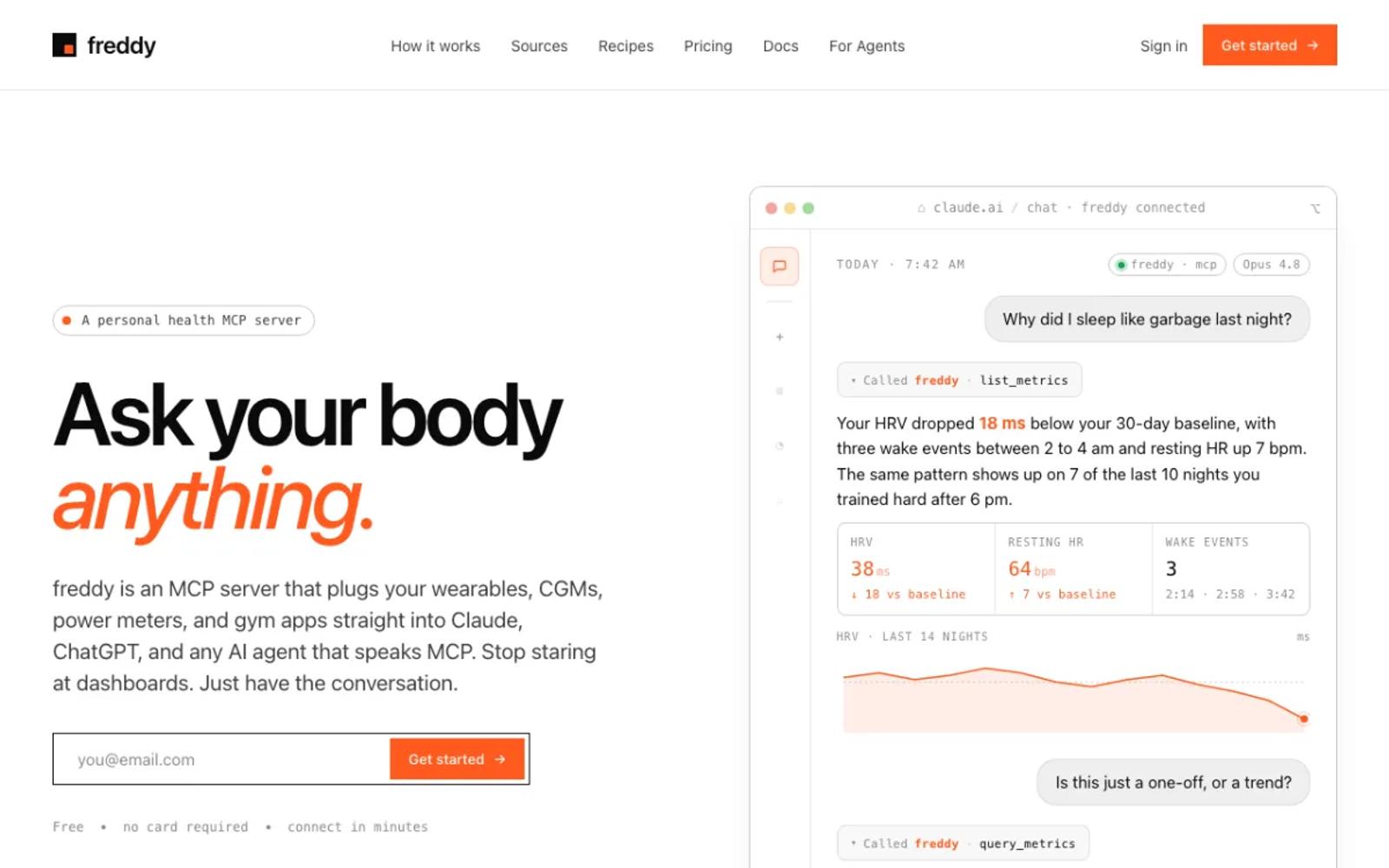
freddy is a hosted MCP server for your health data, with Garmin as one of its sources. You sign in with a code we email you, connect Garmin on Garmin's own sign-in screen, and add freddy to your AI app. In Claude, connect from the Claude connector directory. In ChatGPT, use the official freddy plugin. In Cursor or any other MCP client, you paste one personal URL.
freddy connects to Garmin through its official developer program, so it never sees your Garmin password. New Garmin data arrives by push, so a run is ready to ask about soon after it syncs. The same account also reads Polar, Withings, Suunto, Hevy, Intervals.icu, Concept2, Wahoo, Ultrahuman, Oura, Apple Health, and Health Connect, so a question like "did I sleep worse in the weeks I lifted heavy" works across all of them.
The limit is Garmin's 31-day reach for a new connection. For older history, request your data export from Garmin and import the ZIP into freddy once. Our Garmin guide walks through every step.
Setup: three steps in your browser. Nothing to install, nothing to update, and it works on your phone too.
Price: free for one source with a short history window, or $49/year for all your sources and your full history.
Best for: almost everyone, and especially people who use more than one app or would rather not run a server or share a password.
2. Fitness AI Connector
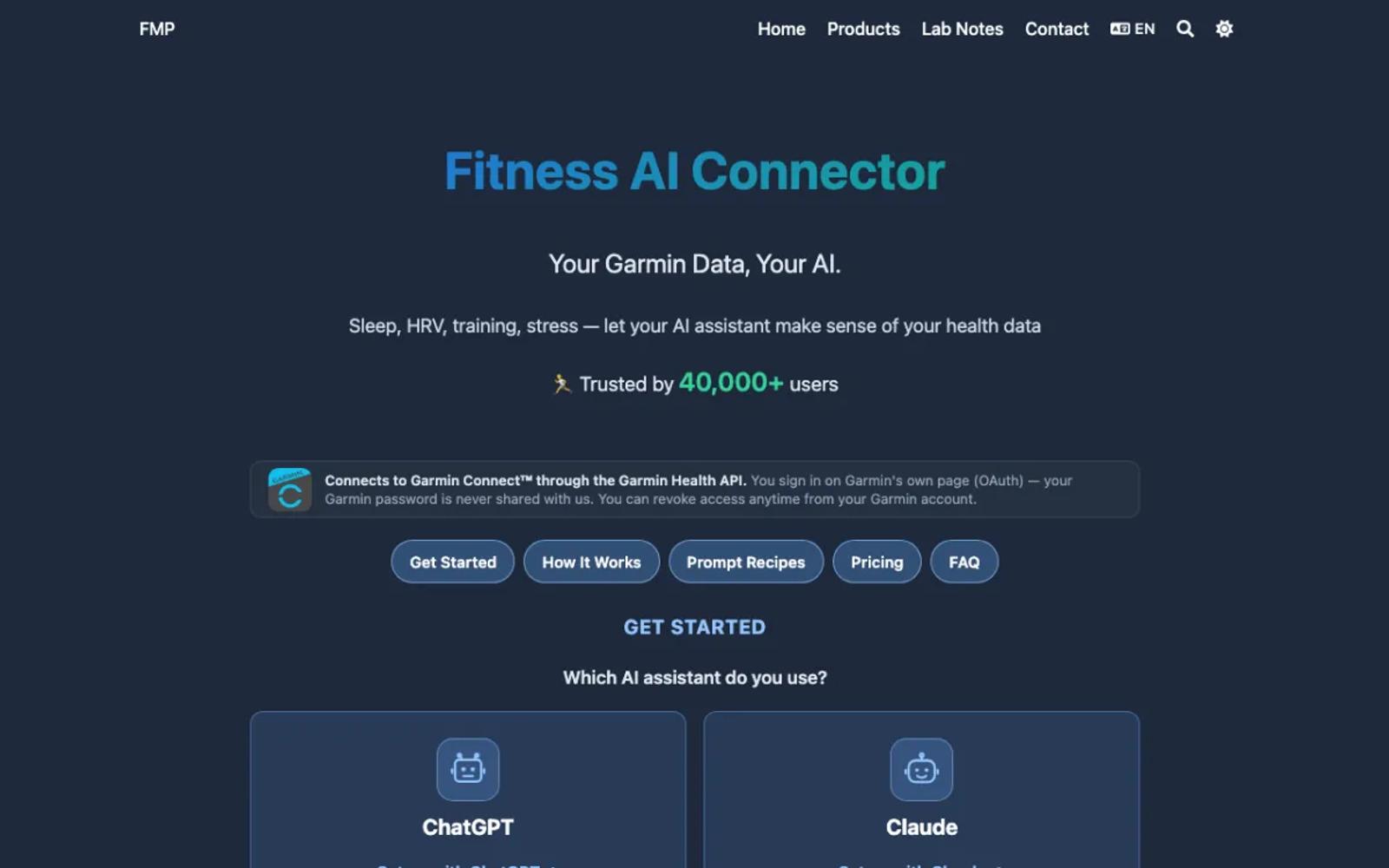
A hosted MCP server for Garmin alone, built on the official Garmin API. You sign in through Garmin, then add it to ChatGPT from the Plugin Directory or to Claude as a connector. It has 12 tools for daily health, activities with lap detail, body composition, and cycle tracking, and the project reports more than 40,000 users.
It covers Garmin only, and your history starts on the day you connect.
Setup: a few steps in your browser, nothing to install.
Price: a free tier, and a Basic plan at $3 a month.
Best for: Garmin-only users who want a hosted server at the lowest price.
3. AthleteData
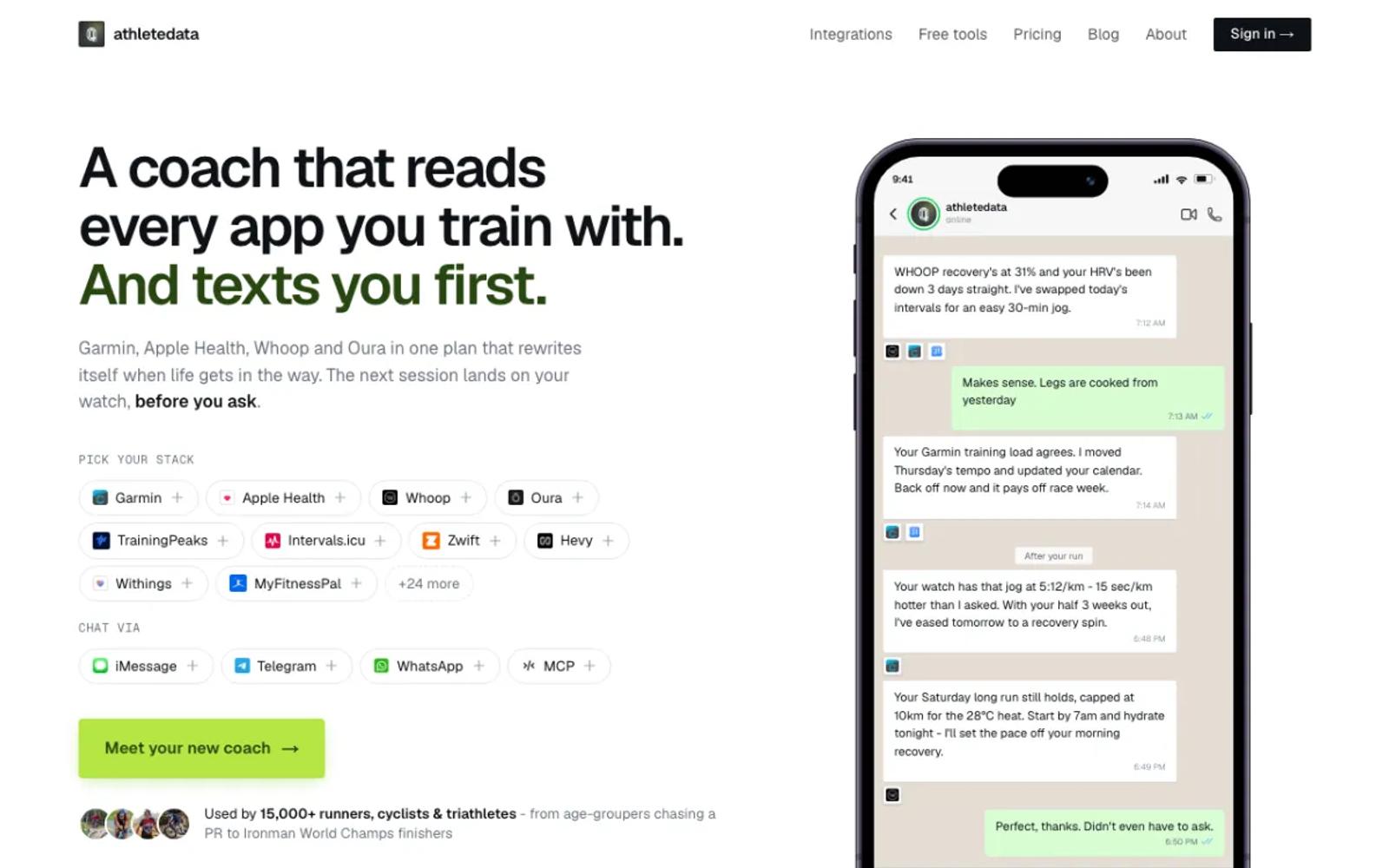
A hosted AI coach that gets in touch when your training needs a change and sends the next session to your watch. It connects more than 30 apps, Garmin among them, through the official API, with about a month of starting history and an export upload for more.
Coaching is the main product. The plan that matters here is MCP-only: you query your data from Claude, ChatGPT, or Cursor, without the coach.
Setup: connect your apps, copy an API key from the dashboard, and add the key and server address to your AI client.
Price: MCP-only is CHF 9 a month or CHF 69 a year, after a 7-day free trial (pricing). Coaching is CHF 29.90 a month.
Best for: people who want a coach that gets in touch first, not only one that answers.
4. Tredict
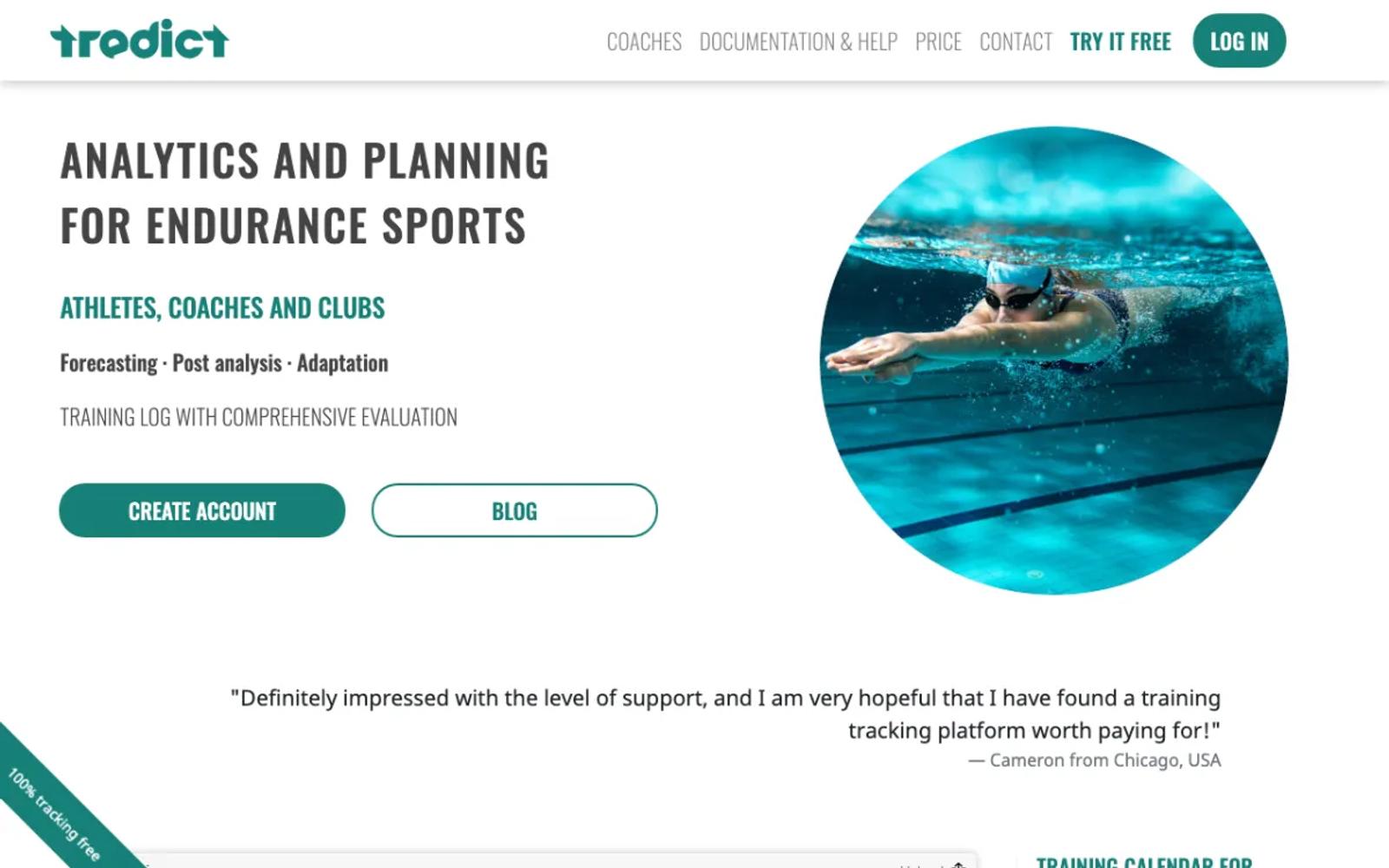
An endurance training platform with its own MCP server and ChatGPT plugin. You connect Garmin through Garmin's sign-in page, and Tredict can import your last two years of activities. From the chat, it can build a training plan and send the workouts to your watch.
It works best if Tredict is already your training log. The AI sees Tredict's copy of your data, with workouts at the center and HRV, sleep, and weight alongside.
Setup: create a Tredict account, connect Garmin, then add Tredict to your AI client.
Price: 2 months free, then $49 for 12 months, paid once (€49 in Europe; prices).
Best for: endurance athletes who already plan their training in Tredict.
5. MissingMCP
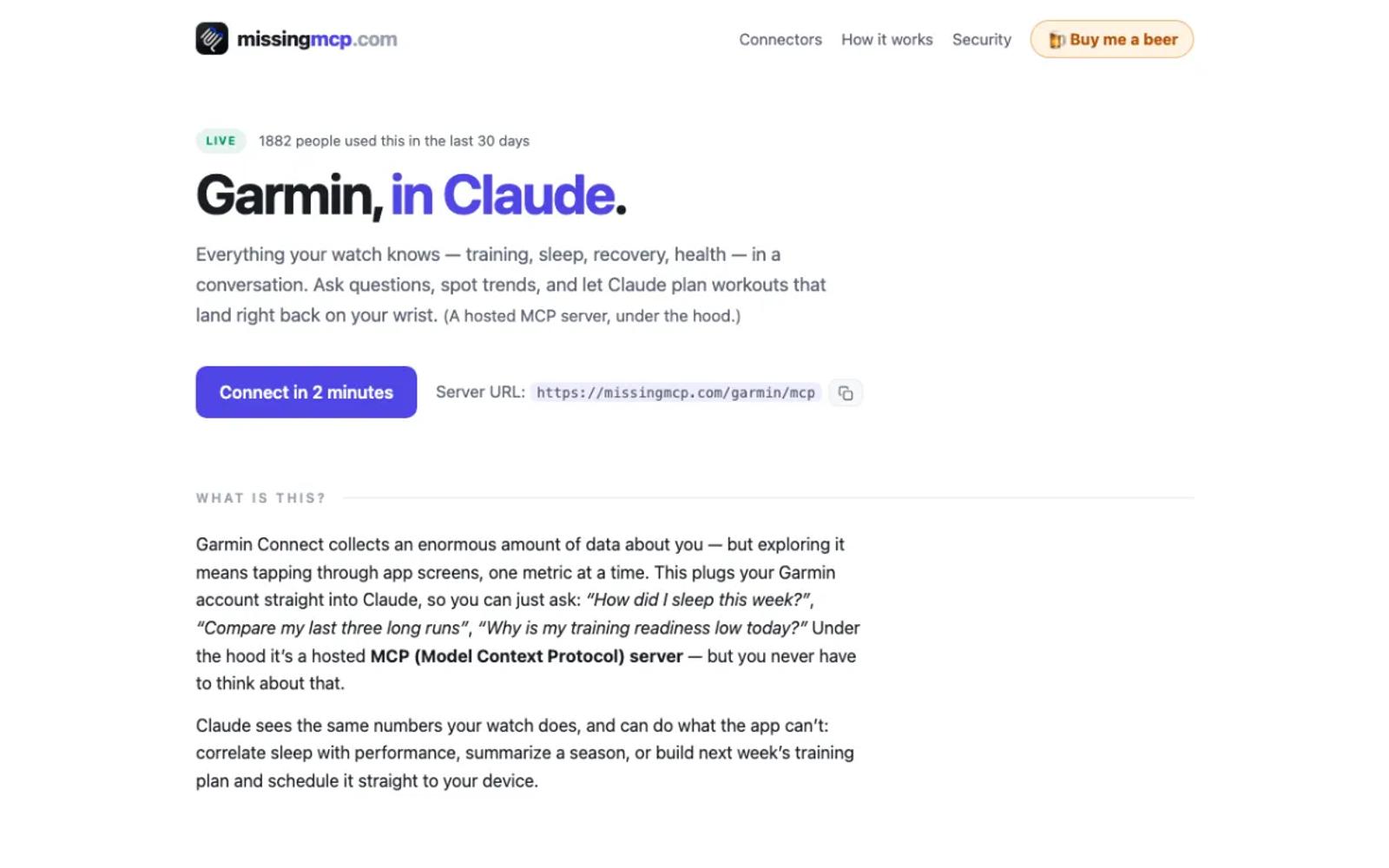
A free hosted gateway that runs entry 7's open-source server for you. Your AI client connects to the gateway, and the gateway's sign-in page asks for your Garmin email and password. The operator says the password is not kept, only encrypted session tokens. The gateway code and the upstream server are both public.
You get the depth of the unofficial way, with your whole history and workout scheduling, and nothing to install. Your credentials pass through a service one person runs, which is a different risk from a company in Garmin's program or a script on your own computer.
Setup: paste a URL into your AI client and sign in with your Garmin account.
Price: free. The operator accepts donations.
Best for: people who want the unofficial depth without a terminal, and accept the password trade.
6. eddmann/garmin-connect-mcp
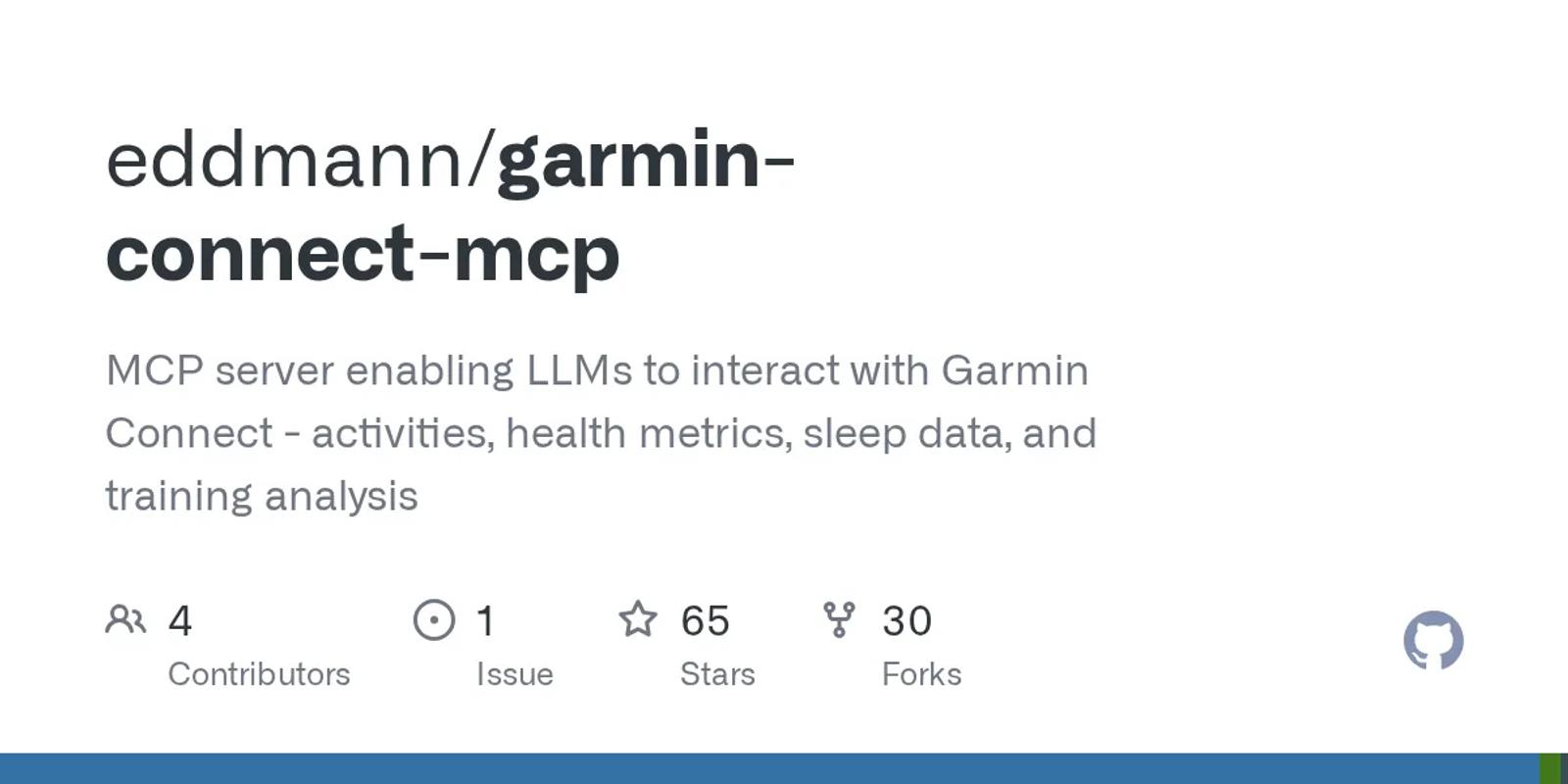
The compact local option: 22 tools in eight groups plus six ready-made prompts, MIT licensed. Fewer tools can help: a model chooses among 22 clear tools faster than among 110.
Setup: moderate, on your own computer. Install uv or Docker, run a sign-in command in a terminal with your Garmin email, password, and MFA code, then add a block of JSON to your AI app's config file. Desktop apps only.
Price: free and open source.
Best for: people at home in a terminal who want a small, tidy local server.
7. Taxuspt/garmin_mcp
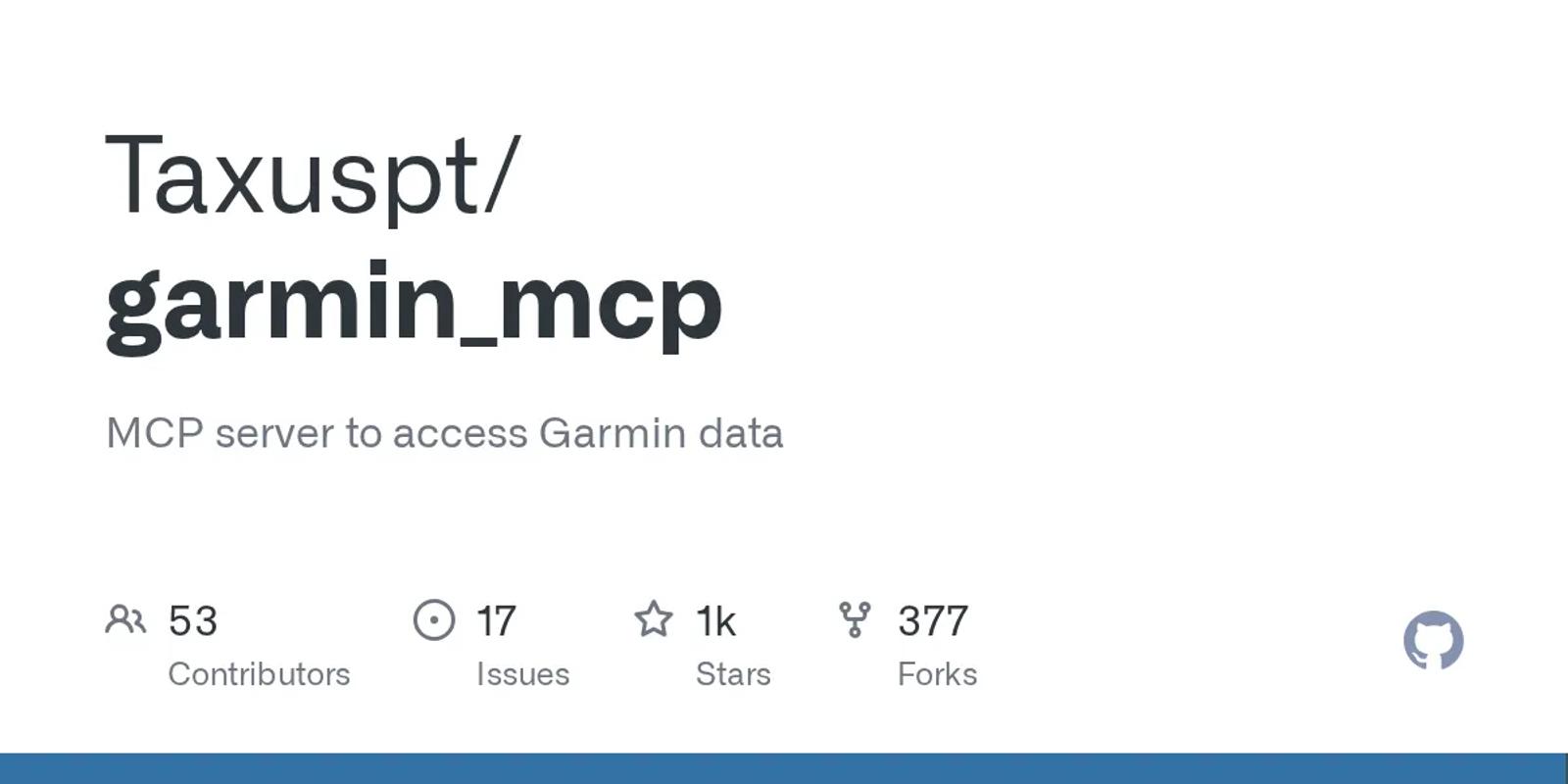
The original community Garmin MCP server, and the base for many others: 1,225 stars, MIT licensed, and updated this month. It is the deepest option here, with more than 110 tools: activity edits, workouts it can build and schedule onto your Garmin calendar, gear, nutrition logs, FIT files, and training-load trends. Your full history comes with it.
Setup: moderate to involved. Claude Desktop gets a one-click extension, but you still sign in once from a terminal with Python 3.12 and your Garmin password, and again when the tokens run out, about every six months. Other apps need a config file edit. Desktop apps only.
Price: free and open source.
Best for: technical Garmin users who want every field and keep their credentials on their own hardware.
8. Nicolasvegam/garmin-connect-mcp
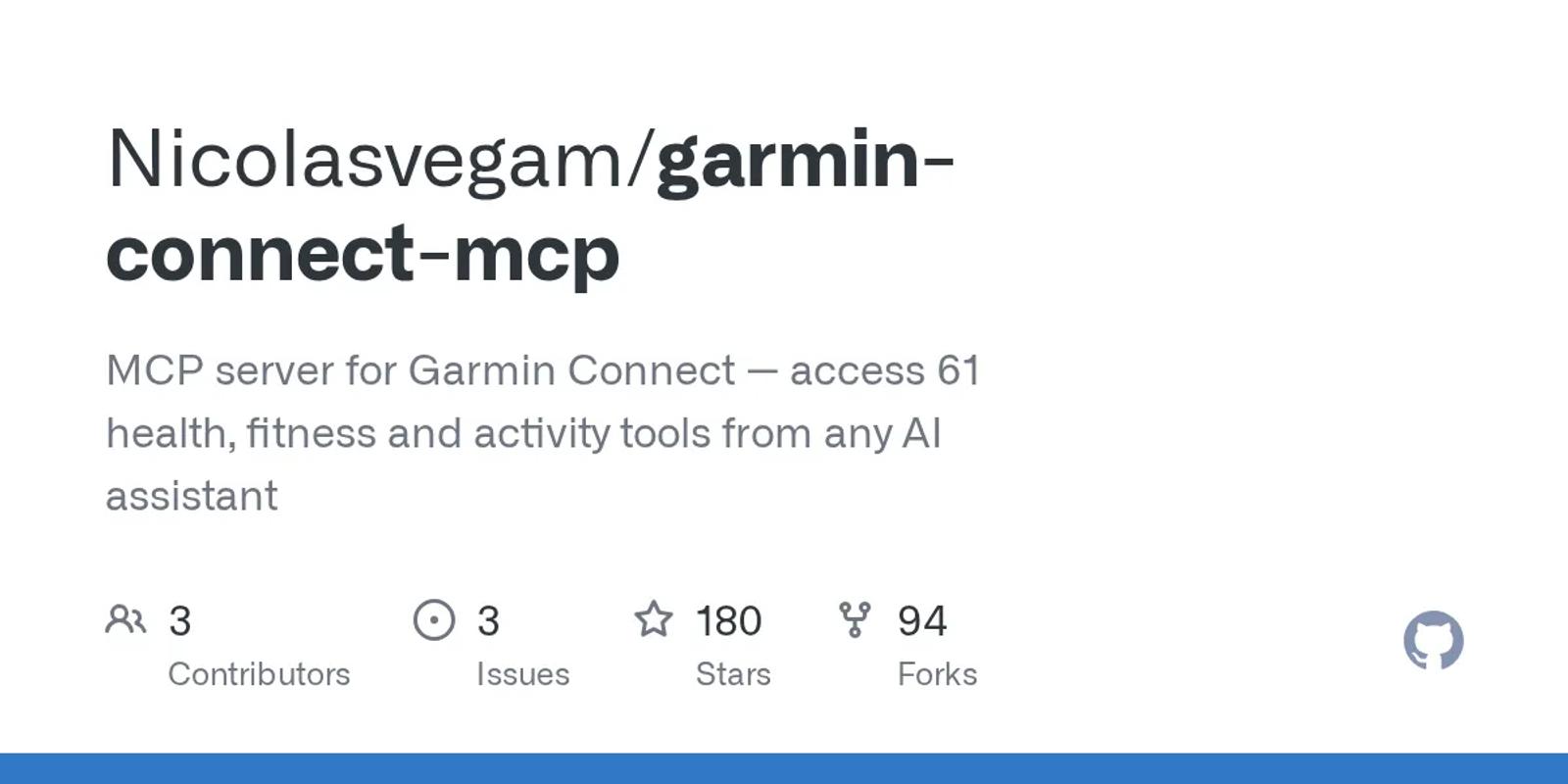
The TypeScript alternative: 61 tools that cover activities, sleep, daily health, body composition, trends, training, and devices. Pick it over entry 7 if you would rather run Node than Python. The repository has no license file, so its terms are unclear.
Setup: moderate. You need Node.js 20, your Garmin email and password in your AI app's config file, and a one-time terminal command if your account uses MFA. Desktop apps only.
Price: free.
Best for: Node developers who want a broad tool set.
9. GarminDB plus a SQLite MCP server
Not an MCP server by itself. GarminDB (3,316 stars, GPL-2.0) downloads your Garmin Connect data into SQLite databases on your disk, with the username and password in its config file. A generic SQLite MCP server then lets your AI app query those files.
You own the archive: every activity you ever recorded, in a format that outlives every vendor on this list. Your questions become SQL, which suits trends and totals better than "what did I do yesterday".
Setup: involved. Install GarminDB with Python, edit its config file, run the first download (long, for years of data), set up a separate SQLite MCP server, and re-run the sync whenever you want fresh data.
Price: free.
Best for: people who want the archive first and the AI second.
10. Open Wearables
An open-source platform that you run on your own server, with 2,550 stars and an MIT license. It puts several providers behind one API and includes its own MCP server. It covers Garmin, Polar, Suunto, WHOOP, Fitbit, Oura, Withings, and Ultrahuman, plus Apple Health, Health Connect, and Samsung Health through mobile SDKs.
It is the one way here to get several sources on hardware you control.
Setup: the most work on this list, with a catch for Garmin. You run it with Docker on a server and connect each provider with your own developer keys. Garmin's business keys need an approved application.
Price: free software. You pay for the server.
Best for: self-hosters who want full control of their other sources, and businesses that already hold Garmin keys.
| Tool | Setup | Garmin sign-in | History | Price |
|---|---|---|---|---|
| freddy | None; web, desktop, and phone | Official | 31 days, then forward; export import | Free tier; $49/year |
| Fitness AI Connector | None; web, desktop, and phone | Official | From the day you connect | Free tier; $3/mo |
| AthleteData | API key; web, desktop, and phone | Official | About 30 days; export upload | CHF 69/yr or CHF 9/mo |
| Tredict | Tredict account; web, desktop, and phone | Official | Last 2 years | 2 months free, then $49 per 12 months |
| MissingMCP | None; web, desktop, and phone | Email and password | Full | Free |
| eddmann | Terminal and config file; desktop only | Email and password | Full | Free |
| Taxuspt/garmin_mcp | Terminal and config file; desktop only | Email and password | Full | Free |
| Nicolasvegam | Node and config file; desktop only | Email and password | Full | Free |
| GarminDB + SQLite MCP | Two tools and a re-sync; desktop only | Email and password | Full | Free |
| Open Wearables | Your own server and Garmin approval | Your own Garmin business key | Depends on your key | Free; you pay for hosting |
| Garmin Personal API + your own MCP server | Key from Garmin Connect, plus a server you run; desktop only | Your own Garmin key (no password) | Back to first data in our test | Free |
How to choose
For most people, the answer is freddy. It is the least work, it never sees your Garmin password, and it works in any AI app that speaks MCP, on your phone too. The exceptions:
- Garmin is your only app and price comes first: Fitness AI Connector.
- You want a coach that gets in touch first: AthleteData.
- You already plan your training in Tredict: its own connector.
- You live in a terminal and want every Garmin field: Taxuspt/garmin_mcp.
- You want everything on hardware you control: GarminDB for a Garmin archive, or Open Wearables if you already hold Garmin developer keys.
- You want to build your own on Garmin's official key, with no password in a script: the Personal API section above.
Prices and details verified in September 2026. The Garmin Personal API section was added on October 24, 2026. This space moves fast, so check each vendor's site for current details before you commit. For other wearables, see our roundup of wearable MCP servers.