| Name | Link | Main pros | Main cons | Price |
|---|---|---|---|---|
| freddy | freddy.coach | WHOOP next to Garmin, Apple Health, and 100+ other sources. Nothing to install. | WHOOP is on a waitlist right now. | Free (1 source, 7 days of history shown); $49/year |
| MissingMCP | missingmcp.com | Free, and one URL pasted into Claude. | Claude only. | Free |
| AthleteData | athletedata.health | Hosted, 30+ apps, optional coach. | Paid from day 8. Not a WHOOP-only tool. | $9/mo or $69/yr |
| Wellness Project | wellnessproject.ai | Coaching app with a free plan. | Free plan allows 3 analysis chats a day. App first, AI second. | Free; Pro $9.99/mo |
| usefulapi | usefulapi.io | Hosted URL that works in Claude, ChatGPT, and Cursor. | Its login asks for a WHOOP API key. Very small free allowance. | Free tier; Pro $9/mo or $90/yr |
| FitnessPeak | fitnesspeak.app | Hosted and built around WHOOP. No developer account. | Card needed for the trial. ChatGPT's connector screen does not work with it. | $39/yr |
| @nchemb/whoop-mcp | GitHub | Free, local copy of your data, no developer app. | Needs Node 22. Desktop apps only. | Free |
| whoop-ai-mcp | GitHub | Most-used open-source option, under your own WHOOP app. | You register a developer app. Desktop apps only. | Free |
| totem | GitHub | Deepest tool set, writes included. | Uses WHOOP's private API. Risk to your account. | Free; cloud host may charge |
| Open Wearables | GitHub | Many wearables in one self-hosted server. | The most setup, and you run the server. | Free; you pay for hosting |
WHOOP tracks your recovery, strain, and sleep around the clock, and the AI assistant you talk to every day cannot see any of it. The Model Context Protocol (MCP) is the open standard that connects the two, and ten options now do it for WHOOP. They differ in how they reach your data, and in what they ask of your WHOOP account.
This list ranks them by setup effort, from least to most. freddy is ours, and it is first: nothing to install, no password shared, and WHOOP next to your other apps in any AI app that speaks MCP. WHOOP is on a waitlist in freddy right now, so we say what that means below. Each entry says who it suits.
What to know first
WHOOP has an official developer API. Every official route here connects through WHOOP's own sign-in screen.
There is also an unofficial route: the private API behind WHOOP's iPhone app. It reaches more, writes included, but it needs your WHOOP password and a text-message code if your account uses one. One project on this list uses it, and it carries a warning.
A tool that asks for your WHOOP email and password uses WHOOP's private API. It can stop working at any time. If your WHOOP account matters to you, stay with the official route.
Where a server runs decides where you can use it. A hosted server is a web address, so it works in Claude and ChatGPT on the web, on the desktop, and on your phone. A server on your computer works only in desktop apps such as Claude Desktop and Cursor. The Claude phone app and claude.ai cannot reach it, and ChatGPT needs a tunnel you set up yourself.
The list
1. freddy
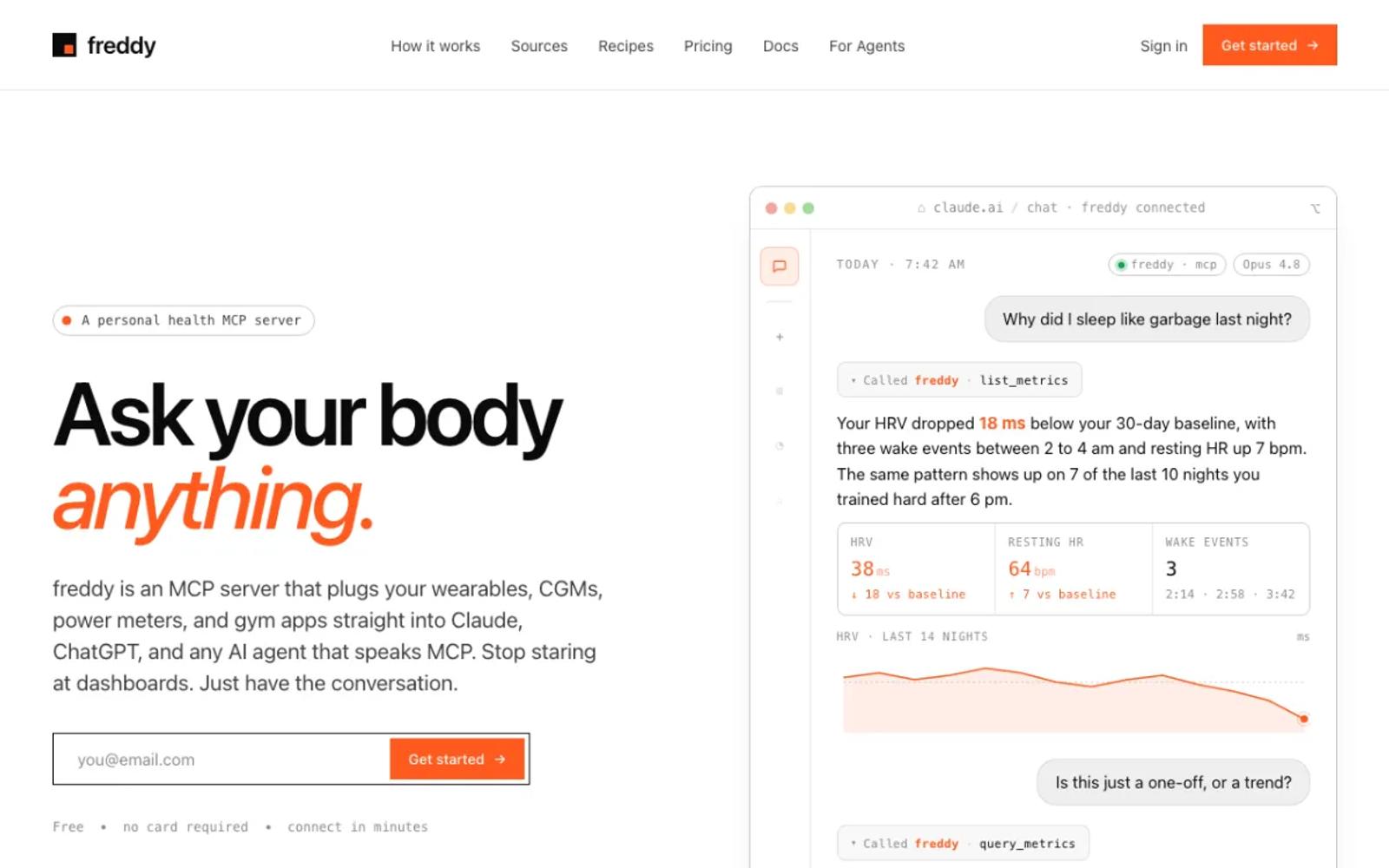
freddy is a hosted MCP server that brings your health data from all your apps into one place. It connects Garmin directly, reads Apple Health and Health Connect, and covers 100+ sources. You add freddy to your AI app from Claude's connector directory or ChatGPT's Plugin Directory, or with one personal URL in Cursor or any other MCP client.
WHOOP is on a waitlist. Join it from your dashboard and connect your other sources in the meantime.
Once a spot opens, you connect WHOOP on WHOOP's own sign-in screen, so freddy never sees your password.
Setup: join the waitlist, then three steps in your browser once your spot opens. Nothing to install, and it works on your phone too.
Price: free for 1 source and 7 days of history shown, or $49/year for all your sources and your full history. Paid plans have no source limit.
Best for: people who use more than one app and would rather not run a server or share a password, and who can wait for a WHOOP spot.
2. MissingMCP
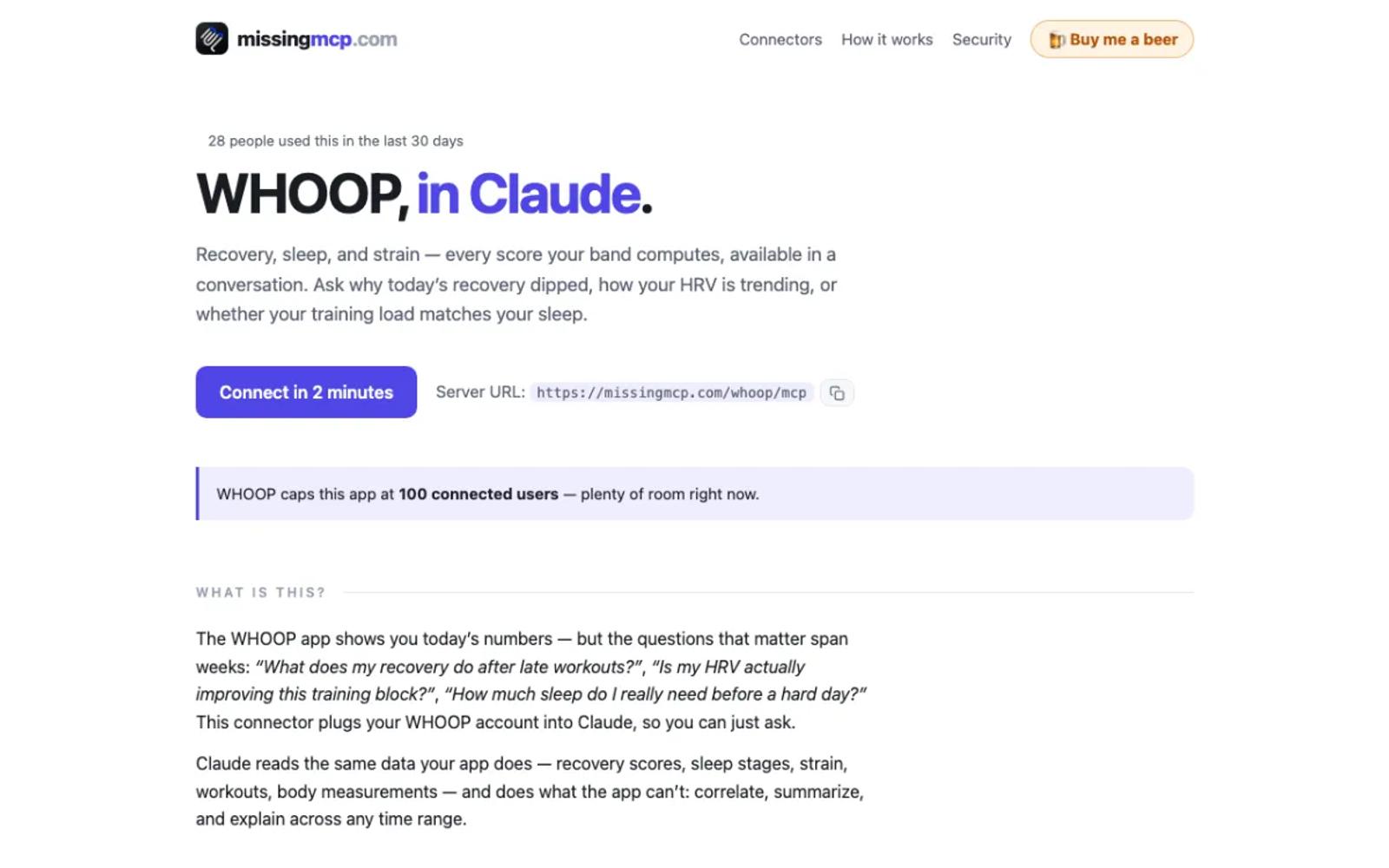
MissingMCP is a free hosted gateway run by one developer. For WHOOP it uses the official API through its own WHOOP app, with 8 read-only tools, and you approve access on WHOOP's screen.
Its WHOOP page covers Claude only.
Setup: paste one URL into Claude and approve access on WHOOP's screen.
Price: free. The operator accepts donations.
Best for: Claude users who want WHOOP in their AI app today, at no cost.
3. AthleteData
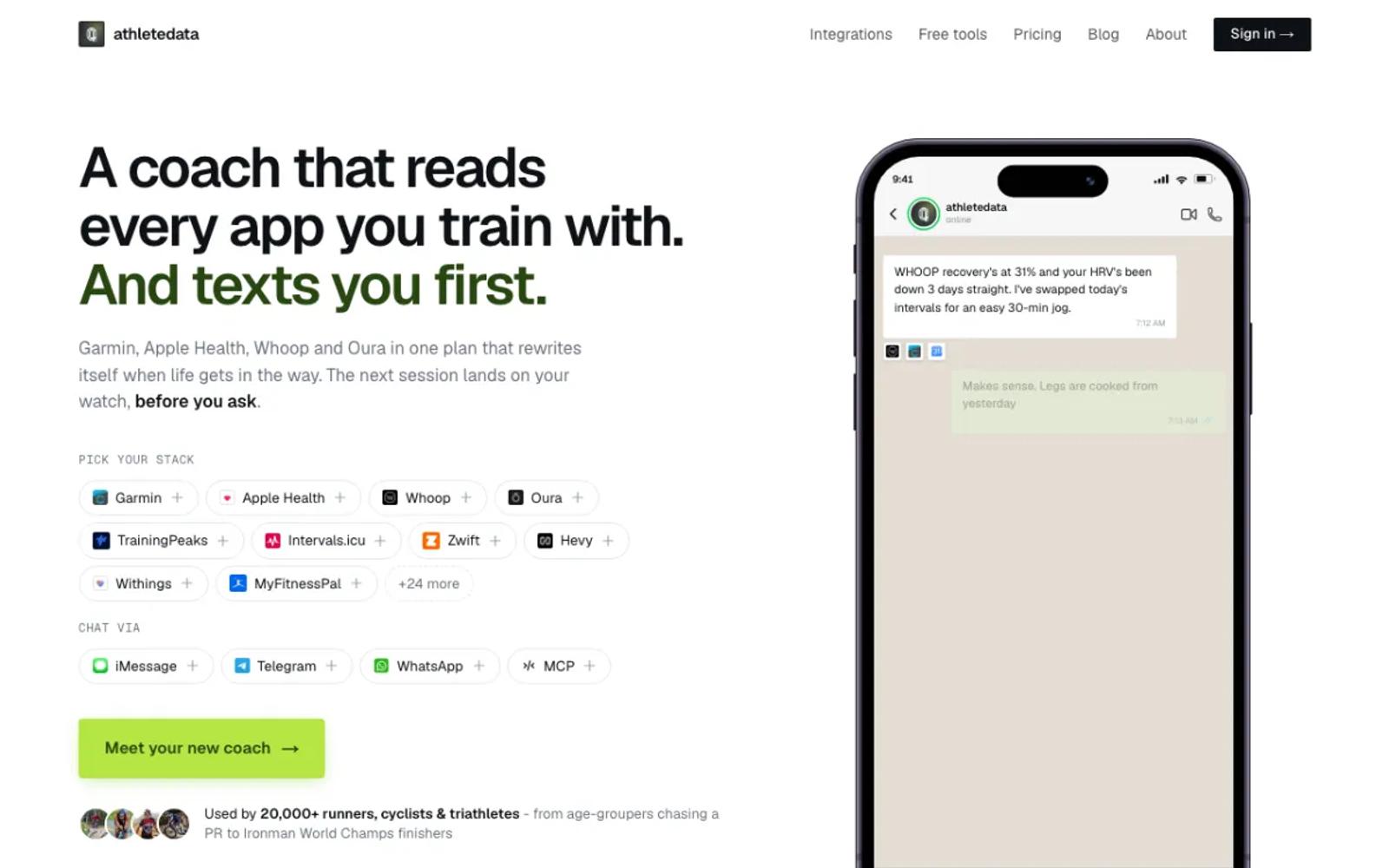
AthleteData is a hosted AI coach with a cheaper MCP-only plan. It connects more than 30 apps, WHOOP among them, through its own WHOOP connection, and keeps your WHOOP data up to date from WHOOP's update notifications. The coaching plan messages you after workouts; the MCP-only plan leaves that out.
Setup: start the trial, connect WHOOP, add the connector address to your AI app, and sign in.
Price: MCP-only is $9 a month or $69 a year, after a 7-day free trial (plans). Coaching is $39 a month.
Best for: athletes who want a training coach as well as answers.
4. Wellness Project
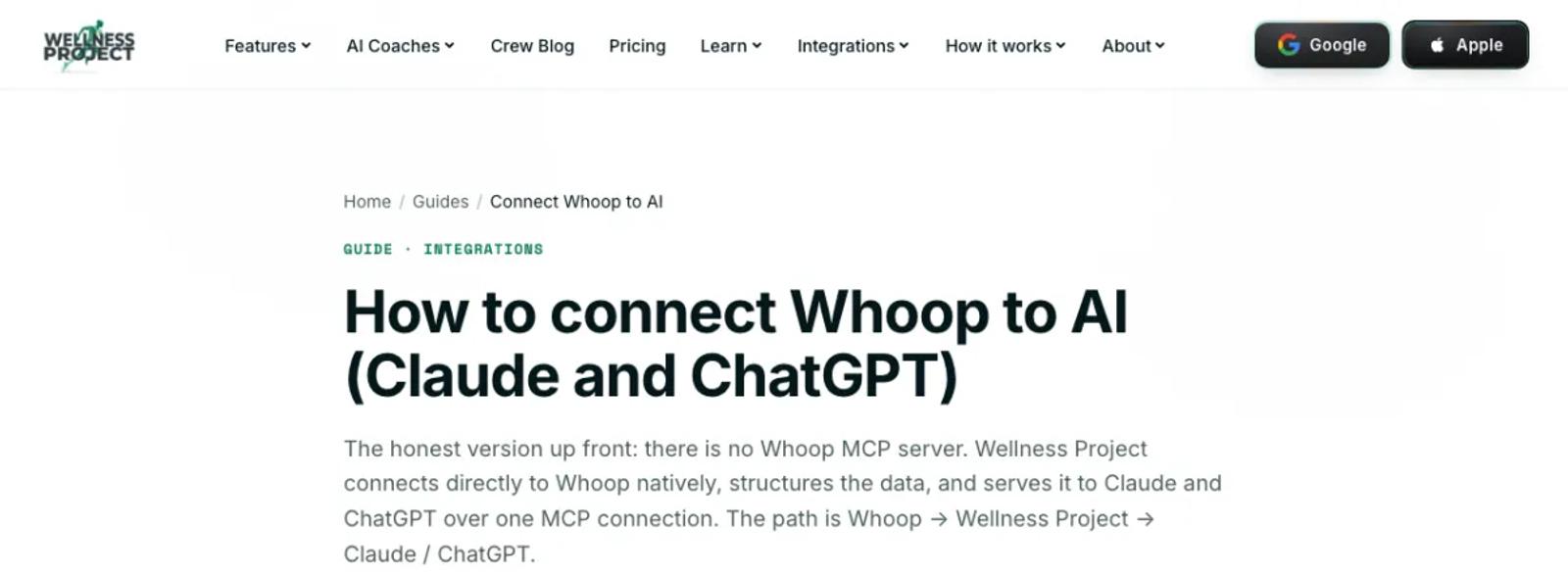
Wellness Project is a hosted coaching app with its own MCP server. It links WHOOP inside its app, keeps the synced history, and offers it to Claude and ChatGPT. The vendor lists 73 tools, and the ones that write change Wellness Project, not WHOOP.
The free plan allows 3 analysis chats a day, with the app and your AI app counted together.
Setup: install the app, connect WHOOP under Settings and Devices, then add its connector to your AI app and sign in.
Price: a free Basic plan. Pro is $9.99 a month, and local prices may vary (pricing).
Best for: people who want a coaching app alongside their AI assistant.
5. usefulapi
usefulapi is an independent hosted service with a WHOOP MCP server. Its tools are read-only and cover recovery, sleep, cycles, workouts, and body measurements. It lists Claude, ChatGPT, Cursor, and VS Code as clients.
One thing to check first: its login asks for a WHOOP API key rather than sending you to WHOOP's own sign-in screen. Read its page on how that works before you connect.
Setup: paste its URL into your AI app as a custom connector, then enter your WHOOP API key when asked.
Price: a free tier with a very small monthly allowance, then Pro at $9 a month or $90 a year (pricing).
Best for: people who want a hosted URL in several AI apps and are fine creating a key.
6. FitnessPeak
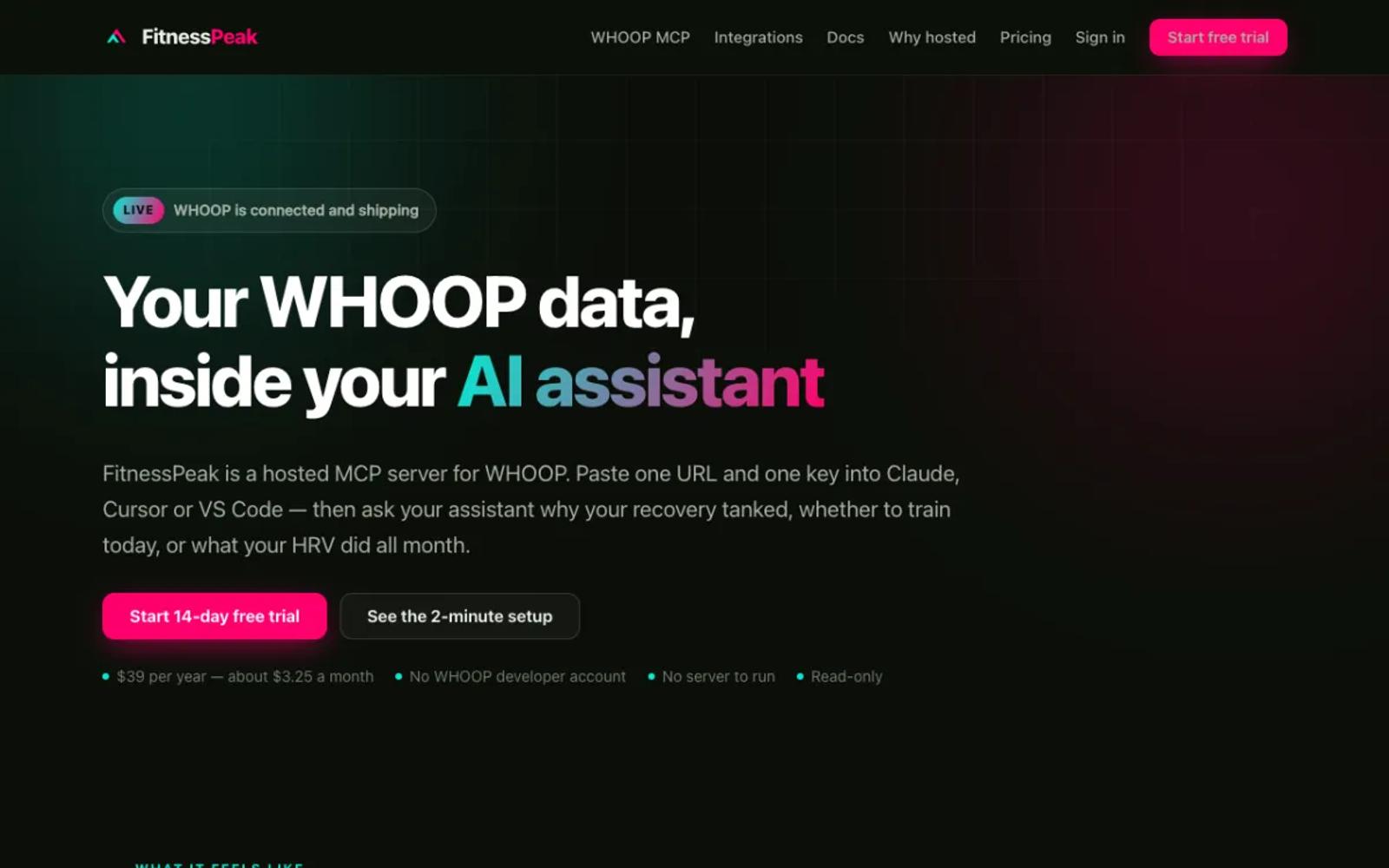
FitnessPeak runs a hosted MCP server built around WHOOP, with 5 read-only WHOOP tools and a status tool. You connect WHOOP once on its site, approve on WHOOP's own screen, and need no WHOOP developer account.
It connects with a key instead of a sign-in screen, so it suits Claude, Cursor, VS Code, and other clients that accept a key. Its own FAQ says ChatGPT's connector screen does not work with it.
Setup: sign up with a card, connect WHOOP, copy your key, and paste its URL and key into your AI app.
Price: $39 a year, after a 14-day trial (pricing).
Best for: people who want a small hosted server built around WHOOP, without a developer account.
7. @nchemb/whoop-mcp
A local server that needs no WHOOP developer app: 6 tools, including read-only SQL over a local SQLite copy of your data, under an MIT license. It signs you in through the author's shared WHOOP app.
Your data stays on your computer, but each token refresh passes through the author's sign-in service.
Setup: moderate. Install Node 22.13 or later, add it to Claude Code with one command, and run its init command to sign in. Desktop apps only.
Price: free and open source.
Best for: people who want a local copy of their data without registering a developer app.
8. whoop-ai-mcp
The most-used open-source WHOOP server, with 175 stars, about 2,700 npm downloads a month, an MIT license, and 16 read-only tools on the official API. Its repository says it is not affiliated with WHOOP.
You register your own WHOOP developer app, so the app is yours alone.
Setup: involved. Install Node 20 or later, create a WHOOP developer app with a local redirect address, run its setup command for your AI app, and approve access in the browser. Desktop apps only, unless you host it yourself.
Price: free and open source.
Best for: developers who want the official API under their own app.
9. totem
The deepest WHOOP server: 55 tools, 15 of which write, built on the private API behind WHOOP's iPhone app. It signs in with your WHOOP email, password, and a text-message code if your account uses one.
It can deploy to a cloud host such as Fly, Railway, or Cloud Run, so it can work in Claude on the web and phone, and in ChatGPT. The risk is your WHOOP account.
Setup: involved. Install Node 24, clone and build it, sign in, and deploy it with its cloud command. Sign in again about every 30 days.
Price: free and open source. The cloud host may charge.
Best for: people who want everything, writes included, and accept the risk to their account.
10. Open Wearables
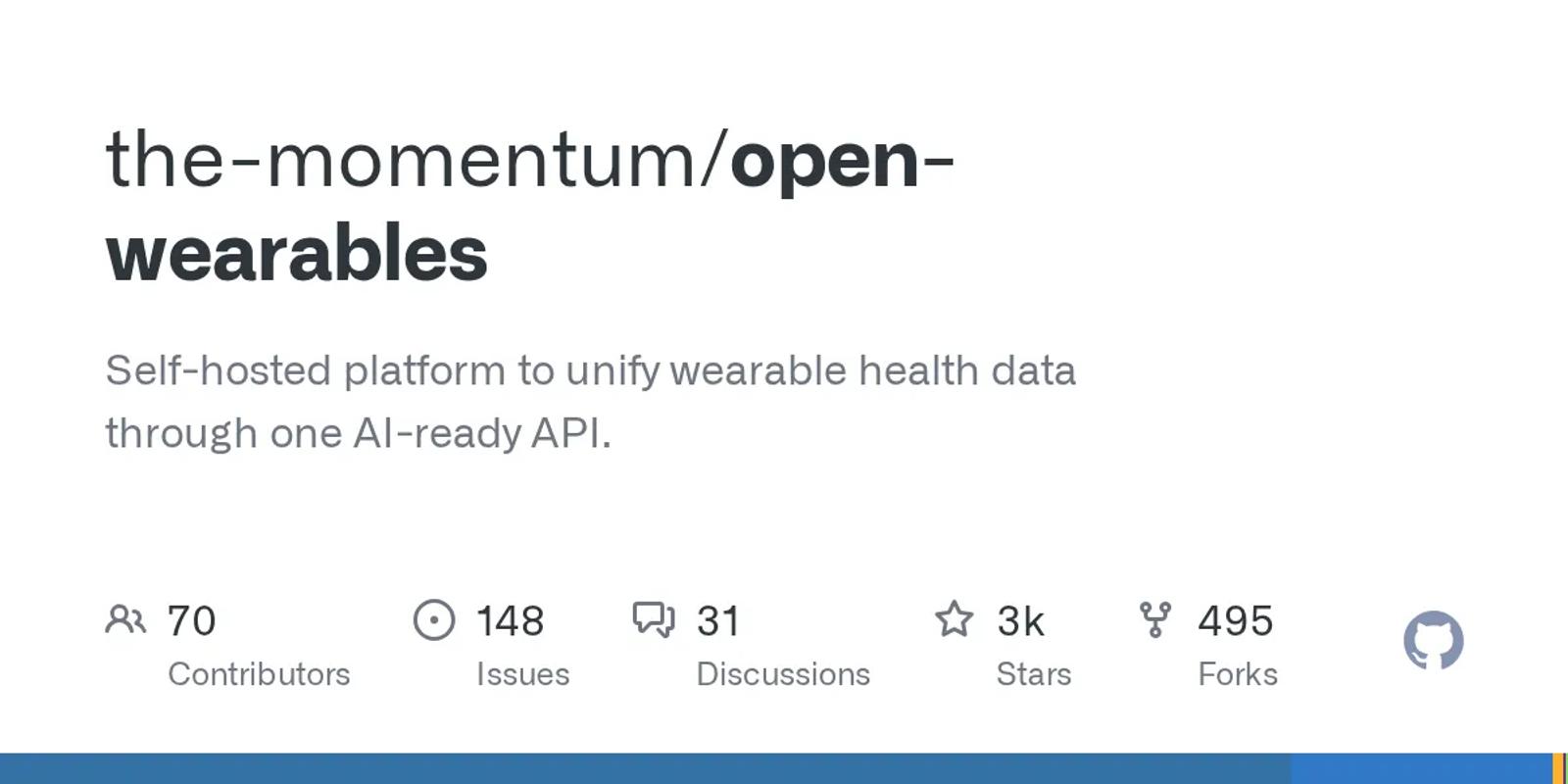
An open-source platform that you run on your own server, with 2,717 stars and an MIT license. It signs in to WHOOP with your own developer app, syncs your data into its own database, and includes an MCP server with 6 tools. It covers several other wearables too.
Setup: the most work on this list. Run its Docker stack, create your own WHOOP developer app, put its keys in the config, create an API key, and set up the MCP server. Desktop apps only.
Price: free software. You pay for the server.
Best for: developers who want several sources on hardware they control.
How to choose
For most people, the answer is freddy: no install, no password, and WHOOP next to your other apps in any AI app that speaks MCP. WHOOP is on a waitlist right now, so join it from your dashboard. If you need WHOOP in your AI app today:
- You use Claude and want it free: MissingMCP.
- You want a coach, or several apps in one place now: AthleteData.
- You want a hosted URL in several AI apps: usefulapi or FitnessPeak.
- You want a local copy without a developer app: @nchemb/whoop-mcp.
- You want the official API under your own app: whoop-ai-mcp.
- You want writes and accept the risk to your account: totem.
Prices are in US dollars and were checked on 26 October 2026, along with star counts and download numbers. Other third-party details were checked in September and October 2026. This space moves fast, so check each vendor's site for current details before you commit. For other wearables, see our roundup of wearable MCP servers.